You order 1,000 followers, the panel marks it completed, and then what? Many buyers stop there. You are left with a number that moved and no way to confirm it matches what you paid for.
A social media marketing report is what closes that gap: timestamps, before and after counts read from the platform rather than from the panel, refill status, and an open note where delivery fell short. This guide covers what a report should contain, how to read your panel's data, and how to tell when a provider is leaving something out.
What SMM Reporting Means Here
For the purposes of this post, SMM reporting is the documentation trail behind paid engagement orders: what you bought, when delivery started and finished, and how much actually landed. It has nothing to do with mass-reporting or flagging accounts, which is a different use of the same word.
It is easy to skip. You hand over money, a number moves, and you are expected to treat those two events as related without a delivery window to check. If you are still working out how SMM panels work, this is one of the first things that separates a careful provider from the rest: whether the record it gives you can be checked against something outside its own dashboard.
What a Social Media Marketing Report Should Contain
Six items, and the absence of any one of them means you are taking someone's word for it:
- Service and quantity ordered, matched to what you actually paid for.
- Start and completion timestamps, not just a status label.
- Drip-feed progress where delivery is paced over time.
- Refill status, with the terms shown on the service page rather than described in general.
- Before and after metrics from the platform, not the panel's internal count. This is the one that matters most, because it is the only figure the provider does not control.
- Open disclosure of the gap between what was ordered and what arrived.
Only one of those six is verifiable from outside the panel, which is why it carries more weight than the other five together.
How to Read Your Panel's Data
Dashboards differ in what they show beyond an order status, so it is worth noticing how much you are being shown. A dashboard worth using gives you the full status breakdown, which is pending, in progress, partial, or completed, alongside the refill terms on eligible orders and the delivery speed.
Partial is the interesting one. It means part of your order could not be filled, and a panel that surfaces that plainly instead of marking everything complete is one you can work with. A provider that never reports a partial across dozens of orders is either extraordinarily consistent or is not measuring.
Knowing what to check in a panel makes it easier to notice what a dashboard leaves out.
Turning Panel Data Into a Client Report
If you resell, your clients do not need access to your panel. They need a record of what happened on their account.
One table, one row per service: service type, quantity, start and completion times, refill status, the before and after count from the platform, and any partial delivery or drop noted openly rather than smoothed over. Leave out your margins, your supplier, and anything else that describes your operation rather than their result.
The temptation is to report only the good rows. A report that never shows a partial is less useful than one that does, because a client who has seen you report a shortfall has a reason to believe the rest of it.
What a Dishonest Report Looks Like
Some panels make verification impossible by design, and the patterns repeat:
- Numbers with no timestamp or source, so there is no way to establish when or whether delivery happened.
- A follower count with nothing behind it, so you cannot separate what was delivered from what was already on the account.
- Screenshots that cannot be checked because they are cropped, undated, or show no URL.
- No mention of refills or retention anywhere, before or after the order.
- A status that is always complete, which is a reporting choice rather than a delivery record.
A panel worth trusting gives you the full log. One that withholds yours has a reason for it, and the reason is rarely in your favour.
Why This Matters Beyond the Order
When a client can open a report and confirm what was delivered, with timestamps and platform data next to it, the next conversation tends to be about scaling rather than about justifying the spend. That is the practical case for reporting: it moves the relationship past whether the work happened.
For agencies and resellers this is what keeps accounts from churning. You stop having the same conversation every month because the record has already had it for you.
What Boostero Shows on Every Order
The dashboard covers part of the checklist above. Each order shows its status, the date it was placed, the start count and what remains, and each service states the terms that apply to it, including refill coverage, before you order. Drip-feed delivery is available on select services, for when you want an order spread over time.
The part that matters most is the part we do not control: you can cross-check any order against the platform's own analytics, which is the whole point of reporting. A record that can only be confirmed inside the panel that produced it is not a record. Create a free account to see what an order log looks like, or contact us if you want to ask about the reporting itself before you order anything.
Frequently Asked Questions
What should a social media marketing report include?
The service and quantity ordered, start and completion timestamps, refill status, and before and after metrics read from the platform rather than from the panel. The last of those is the only figure the provider does not control, which is why it carries the most weight.
How do I check that the engagement I ordered actually arrived?
Read the platform's own analytics rather than the panel's count. Delivery that holds shows up in your native metrics and stays there; delivery that does not will show as a rise followed by a fall. Refill terms on eligible services cover part of ordinary fluctuation, and those terms are stated per service.
Can SMM panel results be verified independently?
Partly. Timestamps and completion status give you something to cross-reference against your platform data; ask any panel you use for the same. What cannot be verified from a report is why an account engaged, so treat the record as proof of delivery rather than proof of interest. Our guide to finding a safe SMM panel covers the wider checklist.
What is drip-feed reporting and why does it matter?
Drip-feed spreads delivery over hours or days instead of all at once, and a report worth reading tracks that timeline rather than showing a single completion mark. The timeline is also what lets you match a change in your analytics to a specific order.
How often should I report results to clients?
Weekly while a campaign is active, monthly once an account is steady. The cadence matters less than keeping it: a report that arrives on a schedule is read, and one that arrives when there is good news is not believed.
What is the difference between a vanity metric and performance data?
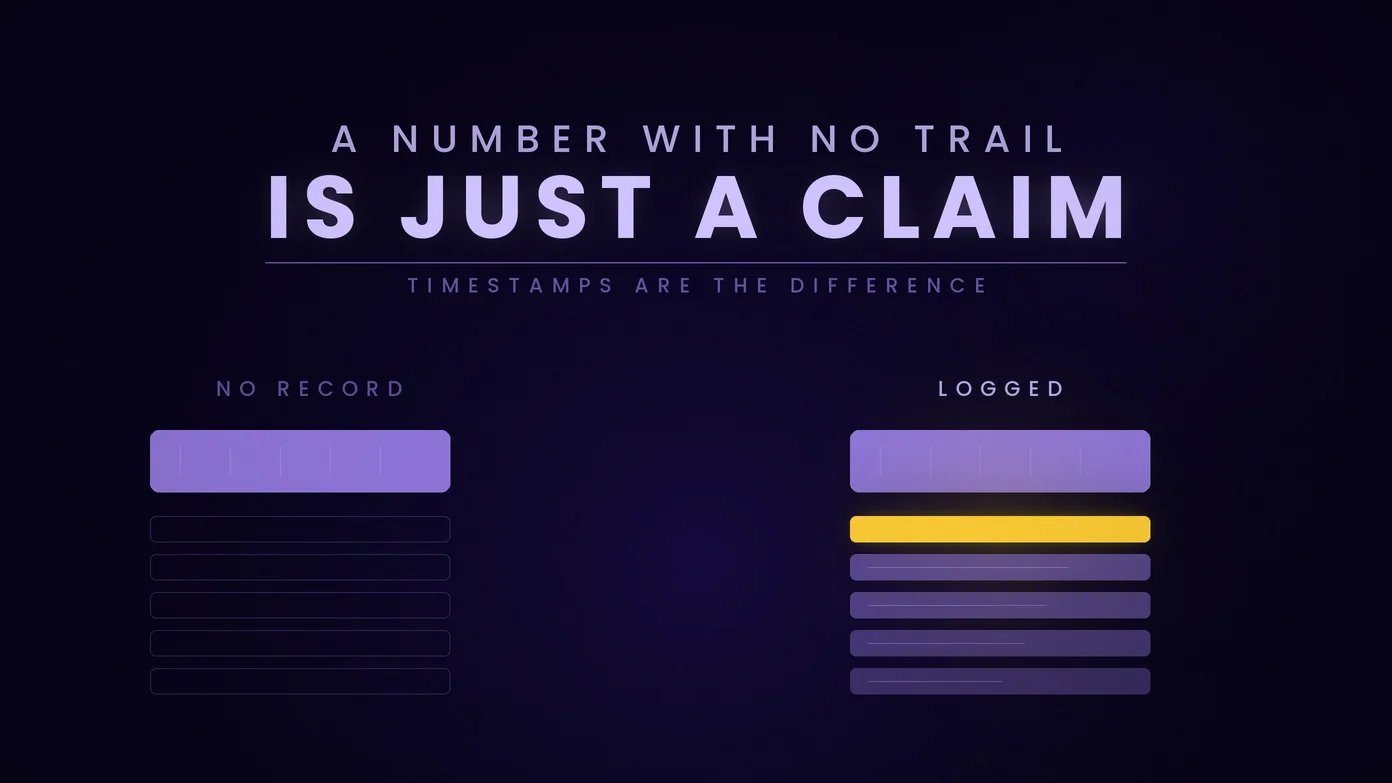
A follower or like count on its own is a vanity metric. The same count with a timestamp, a delivery record and a platform-verified change beside it is performance data. The number did not change; what changed is whether anyone can check it.
Ask for the Log Before You Order
The simplest test of a provider costs nothing and takes one message: ask what its order record contains before you spend anything. A provider that answers with specifics has already shown you the thing this whole guide is about, and one that answers with reassurance has shown you something too.