This is a real order on Boostero, recorded from the first click to the moment the engagement lands, with nothing cut out and nothing sped up. It is for two kinds of viewer: someone deciding whether to open an account and wanting to see the dashboard before they do, and someone who already has one and wants to know what the statuses mean and what to check before placing anything.
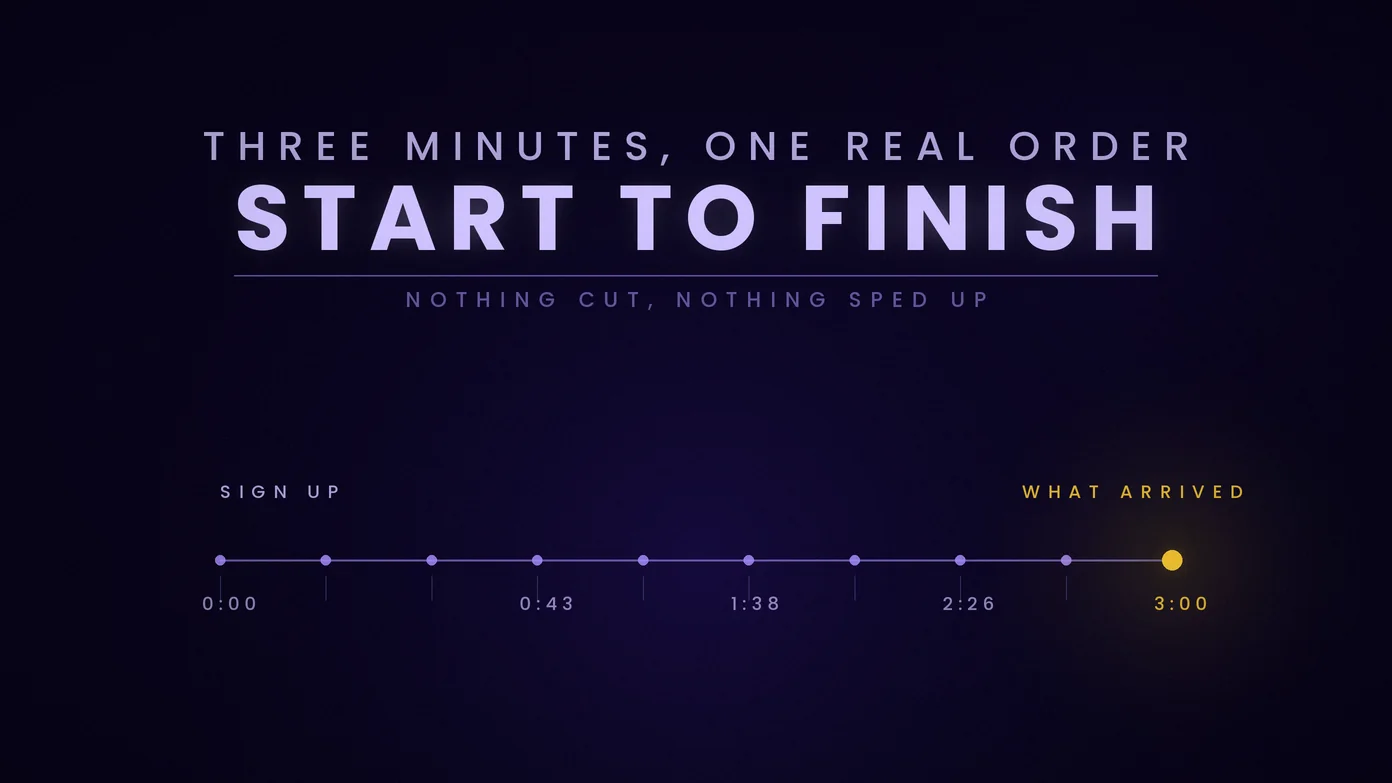
The video runs just over three minutes. It covers creating an account, adding funds, the four things worth checking on any service before you order it, the order form itself, what each status means while an order fills, what actually arrived on the account, and the features most people find later than they should have: mass order, drip feed, subscriptions and loyalty levels. It ends with where to reach support.
Chapter times are below the video, and the full transcript is underneath for anyone who would rather read it or search it.
Chapters
- 0:00 Who this is for
- 0:22 Creating an account
- 0:32 A look around the dashboard
- 0:43 Adding funds and payment methods
- 1:08 Four things to check before you order
- 1:38 The order form, step by step
- 1:50 Order statuses and what they mean
- 2:26 What actually arrived
- 2:40 Mass order, drip feed, subscriptions and loyalty levels
- 3:00 Support and where to start
Full transcript
This is what was said in the video, recorded in September 2026. Prices, payment methods, coupon codes and delivery times change; the service page is always the current one. Six lines carry bracketed corrections where the spoken version is not accurate.
Hi, I'm Josh from Boostero.
Boostero is a social media marketing panel. One dashboard where you order followers, likes, views, and more for Instagram, TikTok, YouTube, and over 20 other platforms.
In the next few minutes, I'll take you from a brand new account to your first completed order.
And at the end, I'll show you what actually arrived.
Okay, start at Boostero.com and hit sign up.
Pick a username, put in your email, a phone number if you want to.
That one's optional.
And choose a password.
Sign in and you're in the dashboard.
Quick look around. Your balance is up here with your account level and discount next to it.
Down the left is everything you'll use.
New order, add funds, support tickets, and a few features I'll come back to at the end.
To order something, you need money in your balance.
So click add funds.
Pay by card, with crypto, through PayPal or Payoneer.
Card, crypto, and PayPal land instantly. [Correction, 26 September 2026, revised 8 October 2026: card, crypto and PayPal deposits are processed automatically, with no manual step on our side; how long a payment takes to confirm depends on the method. The spoken line overstates it.]
Payoneer, our team credits by hand, usually within a few hours. [Correction, 28 September 2026: Payoneer and bank transfer deposits are credited by hand, usually 12 to 24 hours from your first message.]
Type in the amount and carry on to the payment.
One tip, if this is your first deposit with us, enter the coupon code FIRSTBOOST before you pay.
And you get an extra 10% on top.
Any amount counts.
Right, before you place anything, four quick things. One, read the service description because the speed, the quality, and the guarantee are all written there. [Correction, 8 October 2026: the field the video calls the guarantee has been called Refill since 30 September 2026. Each service states the terms that apply to it, including quality grade and refill coverage, before you order.]
Two, use the exact link format that service asks for, the full URL.
Three, your profile or post has to be public while the order runs.
Four, don't run two orders on the same link at the same time.
And we will never ask for your password.
All we ever need is the public link.
The order form is four steps. Pick your platform, pick a category and a service, or just type what you're after into the search.
Paste your link and set the quantity.
And you'll see the price update as you type.
Check it over and hit submit.
That's the whole thing.
Most orders start within five minutes. [Correction, 30 September 2026: start times vary by service, and most services state an estimated start time before you order.]
Everything lives under orders.
Pending means it's in the queue.
In progress means we're delivering.
Completed means we're done.
Completed is exactly what it sounds like.
Partial means part of the order went through and the rest was refunded to your balance.
Cancelled means the full amount came back to you.
Start count is where you were when we began.
Remains is what's still to come.
Bigger orders are delivered gradually on purpose because a steady climb looks natural and keeps your account safe. [Correction, 30 September 2026: bigger orders are delivered gradually so they do not arrive in one block; no delivery method can promise how a platform will treat an account.]
Anything undelivered goes straight back to your balance and you'll see every credit on the refunds page. Remember the small order I placed at the start? Let's take a look. Completed. And here's the post itself with the new numbers on it. That's what a 99.7% completion rate looks like on a real order.
Once you've got the hang of it, there's more in here. Mass order for dozens of links in one go. Drip feed to spread an order over a few days. Auto subscriptions which boost every new post you publish automatically. And loyalty levels where your discount grows the more you order. [Correction, 12 October 2026: the loyalty level, and with it the discount, follows the account's total spend, not the number or size of its orders. Signed-in accounts see every level on the Loyalty Levels page.] Each has its own short guide.
Since 2020, Boostero has delivered over 12 million orders to customers in more than 125 countries. If you ever get stuck, our team is around 24/7 on tickets, telegram and email. Create your free account at Boostero.com and place your first order today.
If You Would Rather Read Than Watch
The written version of the same walkthrough, with screenshots of each step, is on the how it works page. If you are placing orders through code rather than through the dashboard, the API documentation covers the ten calls, a dated rate measurement, and what the API does and does not check before it accepts an order.